Twitter Song Finder: Name the Music in Any X Video

Heard a song in a video on X (formerly Twitter) and nobody in the replies knows what it is? Paste the link to the post with the video, or upload a saved video or audio file. You'll get the song title and artist, with Spotify or Apple Music links when available.

Your Song Result

Your song title, artist, artwork and listening links will appear here.

How to Find a Song from a Twitter Video

Find music from a Twitter video using the post link or a saved file. Choose the input you have, then check the matching song details.

1. Copy the X Video Post Link

To find a song from a Twitter link, copy the URL of the X post containing the video, then paste it into the tool above. Alternatively, upload a saved video or audio file.

  • X app: tap the Share icon under the post, then tap Copy link.
  • Desktop: open the post on its own page and copy the address bar, or click Share and choose Copy link.
  • Make sure the link contains /status/. A profile link won't work.

2. Run the Song Search

Select Find Song. Our Twitter music finder analyzes the audio to look for a matching recording.

3. Check the Result

When a match is found, review the song title and artist. Use any available Spotify or Apple Music link to listen and check it against the video.

Tricky X posts and what to try

  • Quoted posts and reposts

    If the video sits inside a quoted post, open the original post and copy its link instead.

  • Videos in replies

    A video posted as a reply has its own post link. Open that reply and copy its link, not the link of the main post.

  • Posts with several videos

    If a post has more than one video, the result may come from a different one. Save the clip you want and upload it.

  • Long videos

    Only the first two minutes of audio are processed. If the song plays later, save a clip of that part and upload it.

  • Commentary over music

    Many viral clips have someone talking or reacting over the song. Pick a part where the music is clearest and upload a short clip of it.

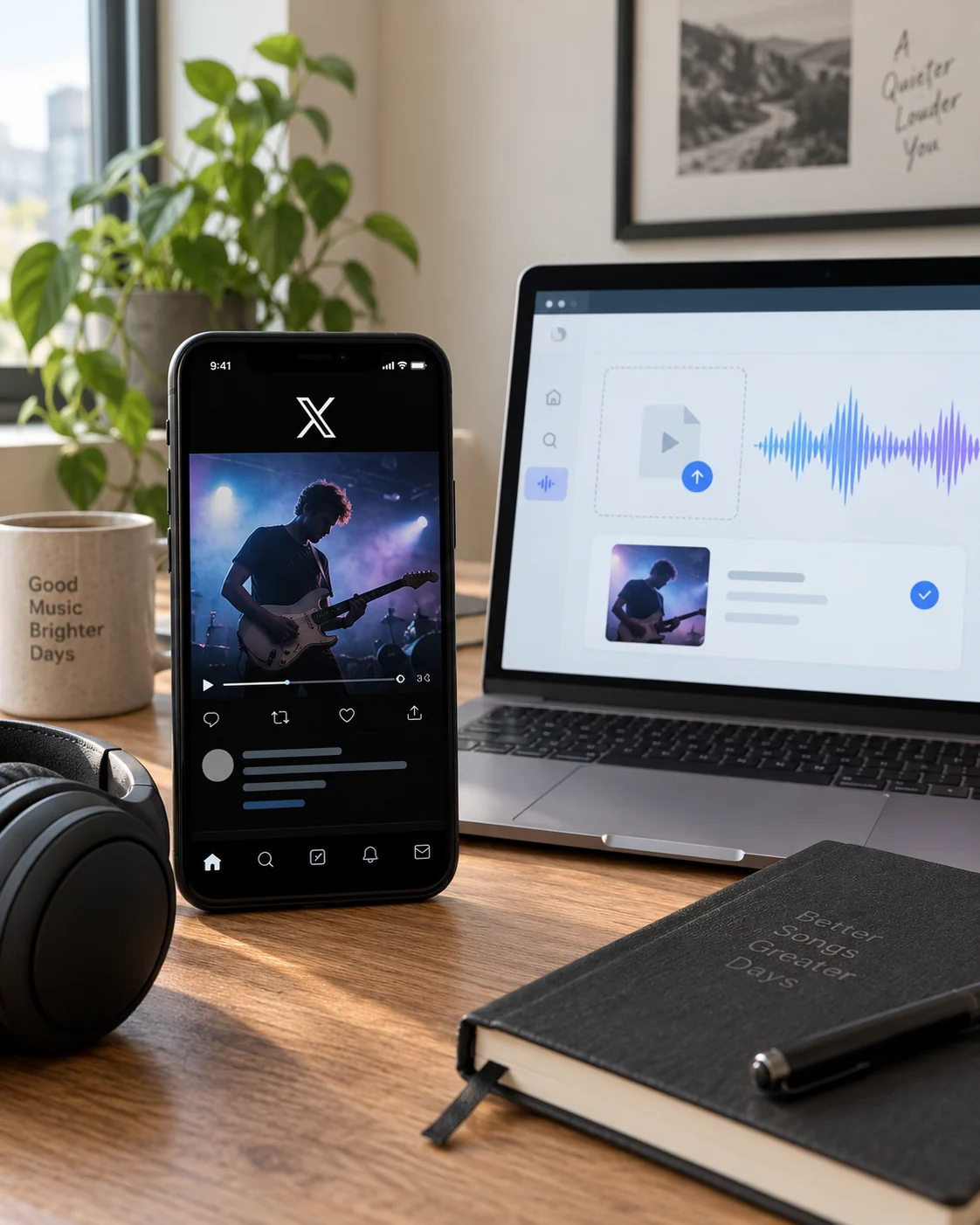
Twitter Song Identifier in Action

See which recording matches the music in an X video post. This example pairs the source video with a result from our Twitter video song finder: the song title, artist and available listening links.

Other Ways to Find Music in a Twitter Video

Unlike TikTok or YouTube Shorts, X doesn't show a sound name or a music panel on videos. Many clips are also reuploads from TikTok, Instagram or YouTube, with the original caption and credit removed.

That's why "what song is this?" replies are so common under viral videos, and why the answers there are often wrong or missing. The finder works from the audio, so it doesn't depend on a caption or a reply.

To find a song in a Twitter video, first look for a title or artist in the post and its replies. A useful music credit may be all you need.

Follow a song credit

The post or a reply names a song or artist. Look up the recording and compare it with the music in the video.

Search the video’s audio

No useful song credit is provided. Use our Twitter video music finder with the video post link to look for a matching recording.

Treat song suggestions in replies as clues, not confirmed matches. Listen to the suggested track before deciding it is the one you heard.

A saved X video playing on a phone beside a laptop showing music analysis and a matching song result

Twitter Song Finder FAQs

Can I find a song from a tweet using only its text?

This tool identifies music from video or audio, rather than from the text of a tweet. Provide the link to the video post or upload a file containing the music.

What should I do if the video post link cannot be read?

Check that the link points to the individual post containing the video, not an account profile. If the link still cannot be read, try uploading a video or audio file you already have.

Why can't the tool identify a song from a Twitter video?

Reading the video successfully does not guarantee a song match. Check that the source contains the music you want to identify, and try a clearer recording if you have one.

Which file formats and upload sizes are supported?

Upload MP3, M4A, WAV, MP4, MOV or WebM files up to 50 MB. There is no set file-duration limit, but only the first two minutes of audio are processed.

What if the result isn't the song I wanted?

Use the available listening link to compare the matched track with the music in your video. If the post contains several songs, upload a video or audio clip of the section you want to identify and try again.

Is Twitter Song Finder free?

Your first song identification is free. You can purchase additional searches as needed.

Do x.com and twitter.com links both work?

Yes. Links from either domain work, as long as they point to a single post with a video.

Can I find a song from a GIF on X?

No. GIFs on X play without sound, so there's no audio to identify.

The song starts late in a long video. What should I do?

Only the first two minutes of audio are processed. Save a clip of the part with the song and upload it.

Find the Track Behind That X Post

Paste the link to the X video post into the tool above and search for the song you heard.